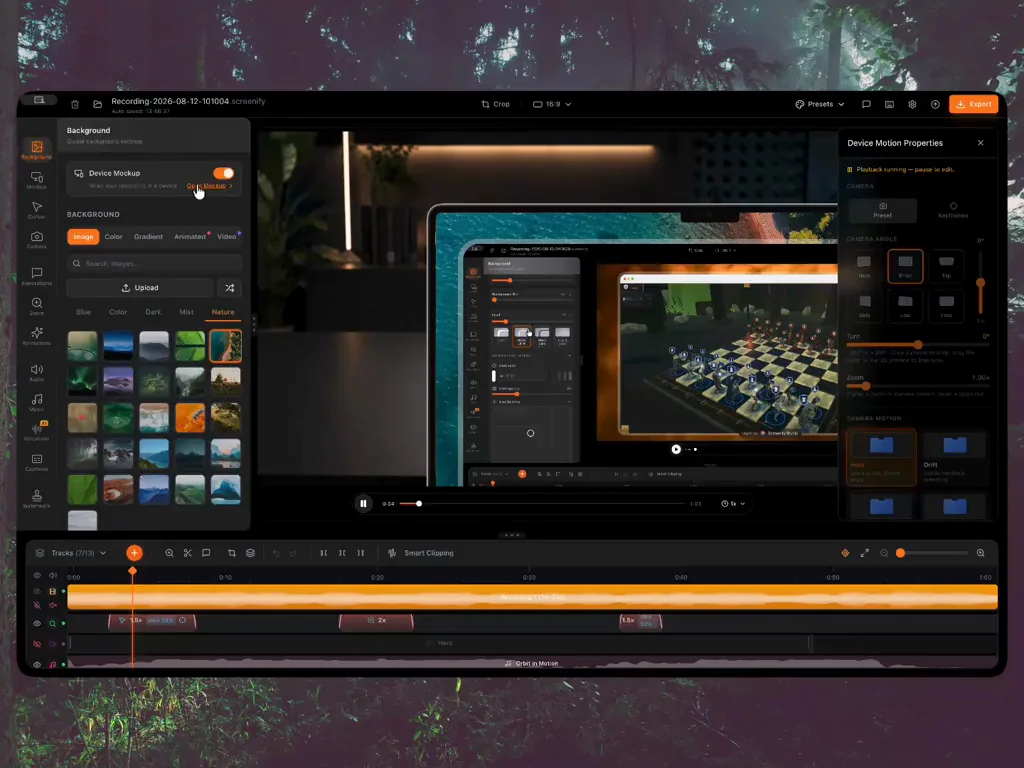
Cinematic screen recorder · macOS

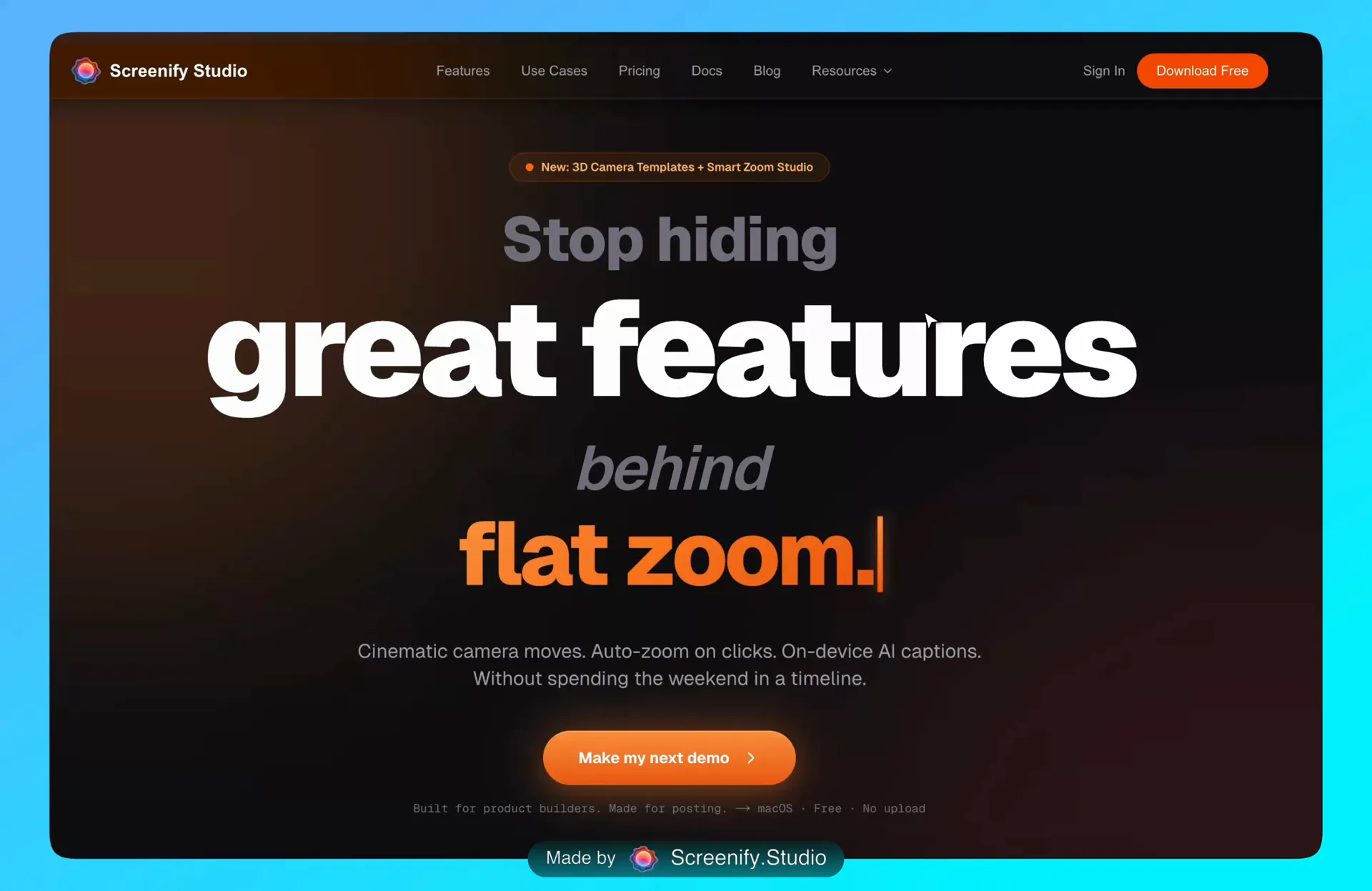
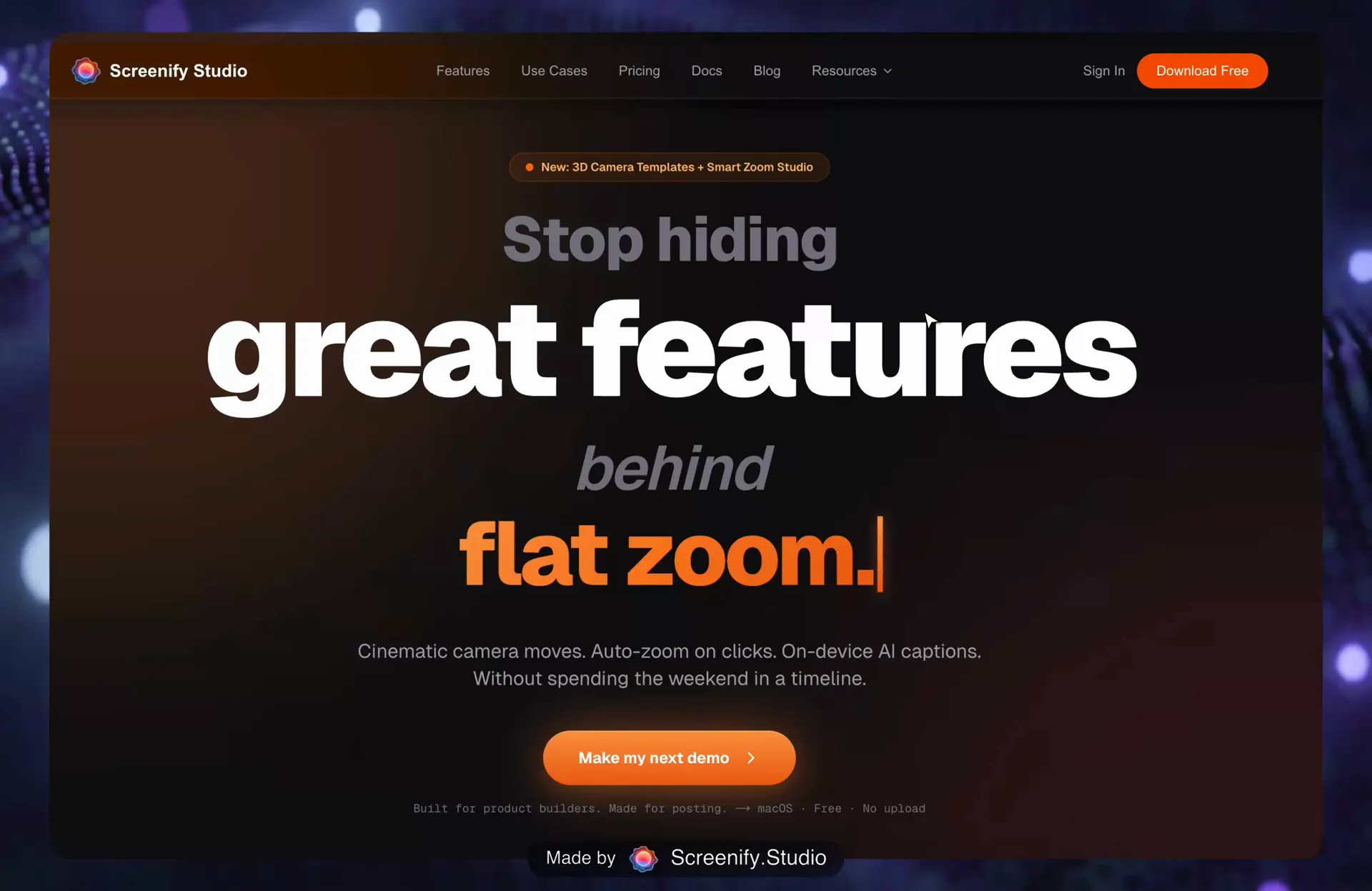
New: 3D Camera Templates + Smart Zoom Studio

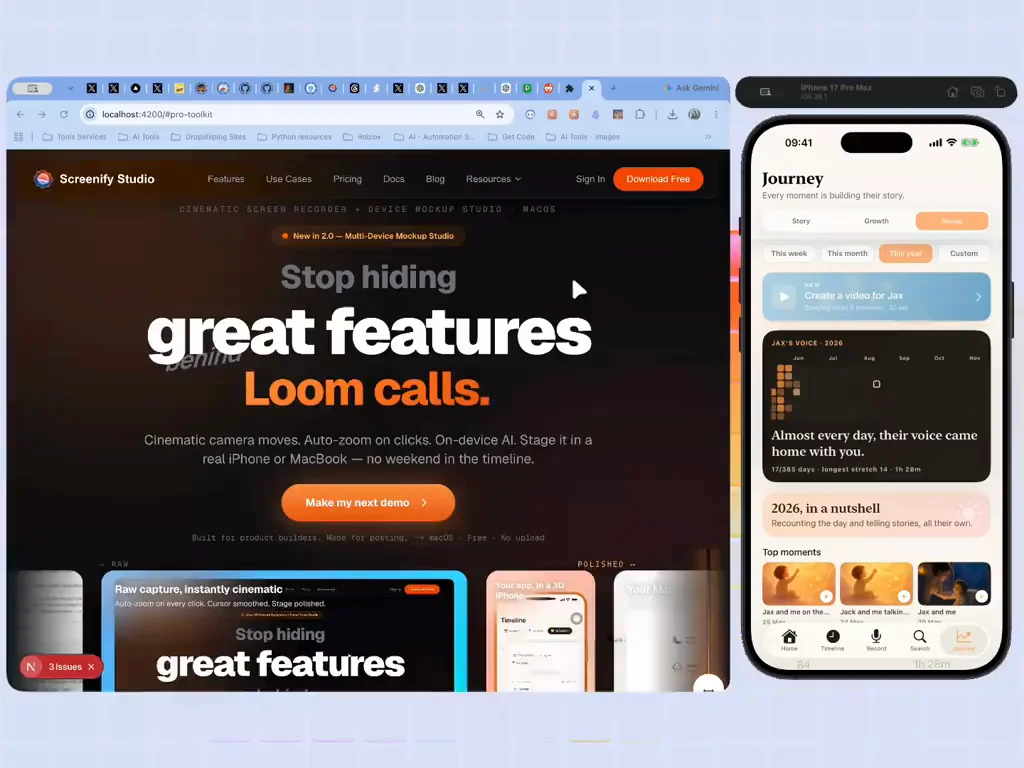
Stop hidinggreat featuresbehindugly demos.

Cinematic camera moves. Auto-zoom on clicks. On-device AI captions. Without spending the weekend in a timeline.

Built for product builders. Made for posting. → macOS · Free · No upload

Drag the slider →
↤ BeforeAfter ↦← Drag to compare →

▶ Raw screen recording vs. Screenify polish · Drag to compare

0

cinematic moves possible

30 templates × keyframe combos

0

AI caption accuracy

Whisper · word-level · local

0

faster export

Metal GPU · vs Electron tools

4K

native export

no upscale · 60fps · HDR

Built for the people
who ship in public.

Indie hackers. AI builders. Solo founders. People who turn what they ship into what they post.

5 early adopters shipping with Screenify · DM @MrBrjan to join →

✕ Not for meetings · Not for async work · Not Loom
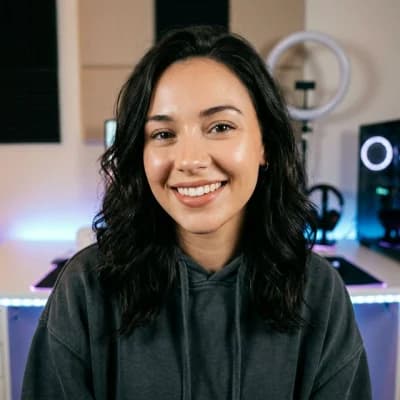
Brjan — founder of Screenify Studio

⟶ Hi, I'm Brjan

I'm building Screenify
because my demos kept looking like shit.

Solo founder shipping in public. Vietnamese, working out of HCMC. Spent months building features users barely noticed — because my demo videos hid them behind static, flat recordings.

So I built the tool I wanted: cinematic depth, on-device AI, native Mac speed. Free for indie hackers who get it.

→ Coming next: Open API + CLI for the AI agent era.

@MrBrjanBuilding in public · HCMC · 🇻🇳

Three videos
you'll make this week.

MON · 10:42

Feature demo for X / PH.

3D camera + auto-zoom in 15 min.

WED · 14:08

Daily build-in-public clip.

Camera PiP + cinematic move. 90s post by lunch.

FRI · 16:30

Bug fix walkthrough.

Window capture + callout glow + keystrokes.

⟶ Manifesto

The recording takesfive minutes.

Making it look goodtakes forty-five.

That's the editing tax. The forty minutes you spend on zooms, callouts, and captions instead of building. Screenify removes it.

Three things
competitors can't do.

Not features — architectural choices. The kind a 5-year-old SaaS can't reverse without rewriting everything.

Screenify100%
Screen Studio68%
Loom42%
Tella35%

Export speed · 60s 1080p · M3 Pro

01 / Native Engineering

Metal GPU.
3× faster export.

Apple Silicon native · 80MB app · No Chromium

APPLE M3

NEURAL ENGINE

⚡ WhisperCore MLMetal GPU🔒 0 upload

02 / On-Device AI

100% local.
Zero upload.

All AI runs on your Mac — works offline

SCREENIFY

$0$89/yror$149lifetime

Free forever · Pay once · Own it

SCREEN STUDIO / LOOM / TELLA

$9-29/month forever

No free tier · Subscription only · Cancel = lose access

03 / Builder Economics

Free tier.
Lifetime option.

Indie hacker priced · No subscription anxiety

Features competitors
can't match.

The moats that make Screenify different. Click any feature to explore.

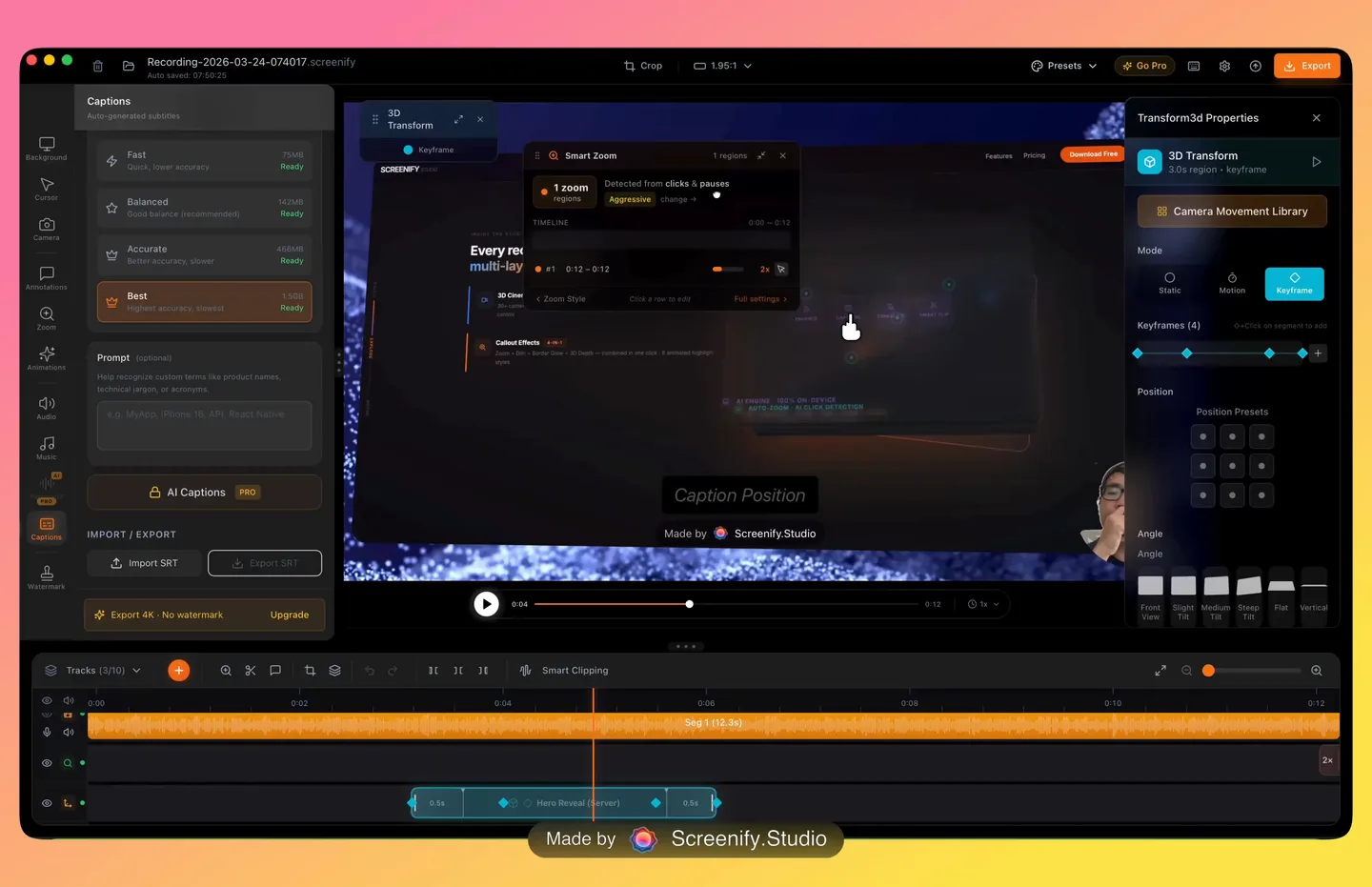
3D Cinematic Camera

3D Cinematic Camera

30+ Templates

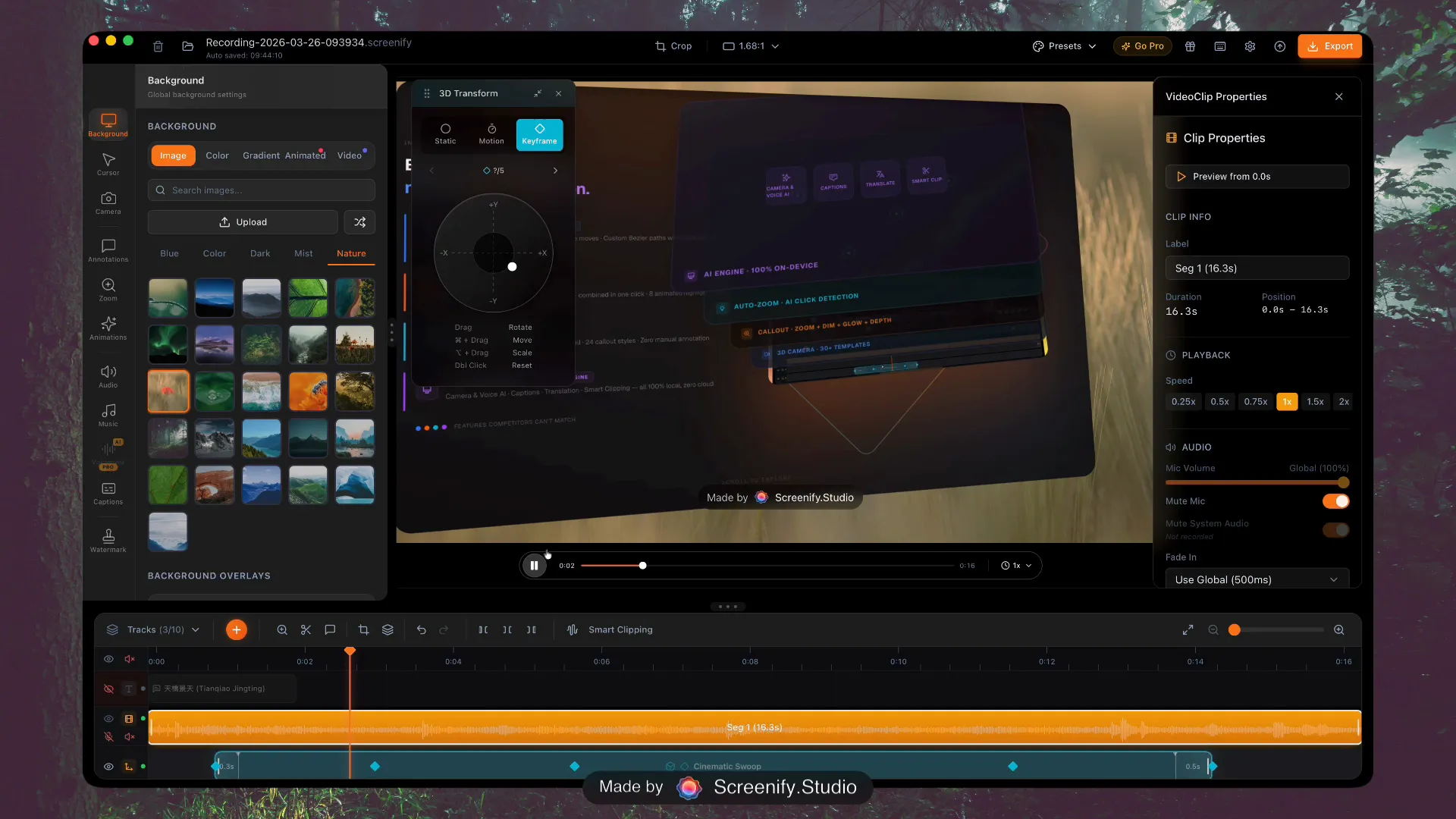
30+ cinematic camera templates with multi-keyframe support. Dolly, pan-tilt, orbit, crane — professional cinematography built in.

30+ templatesMulti-keyframe3 camera modes
30+
Camera Templates
3
Camera Modes
Unlimited
Keyframes
Camera Route Design

Camera Route Design

Exclusive

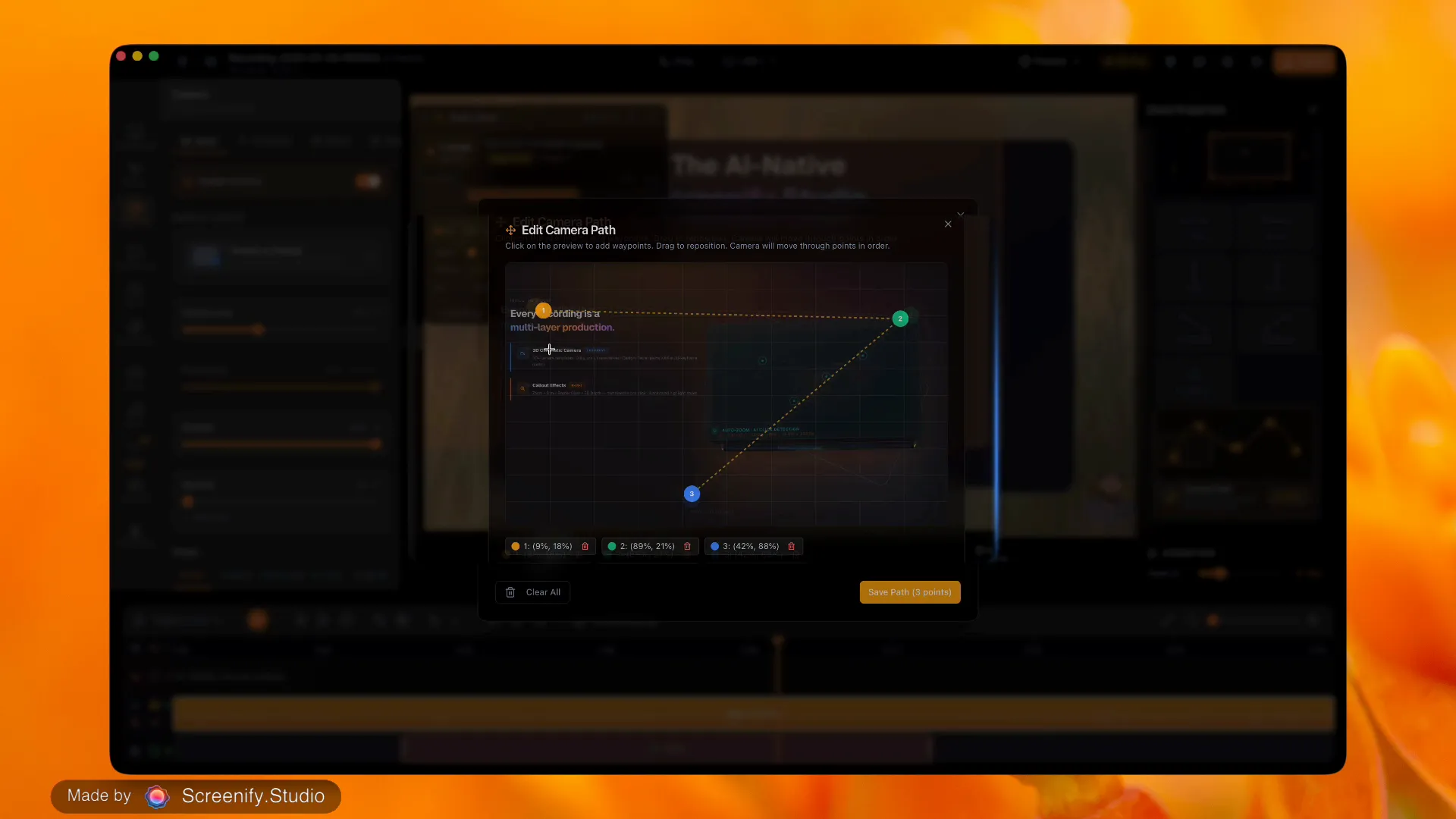
Custom camera paths with pan, zoom routes — professional movement on a timeline.

Custom pathsBezier curvesTimeline keyframes
Custom
Path Points
Bezier
Curves
Timeline
Keyframes
Callout Effects

Callout Effects

New

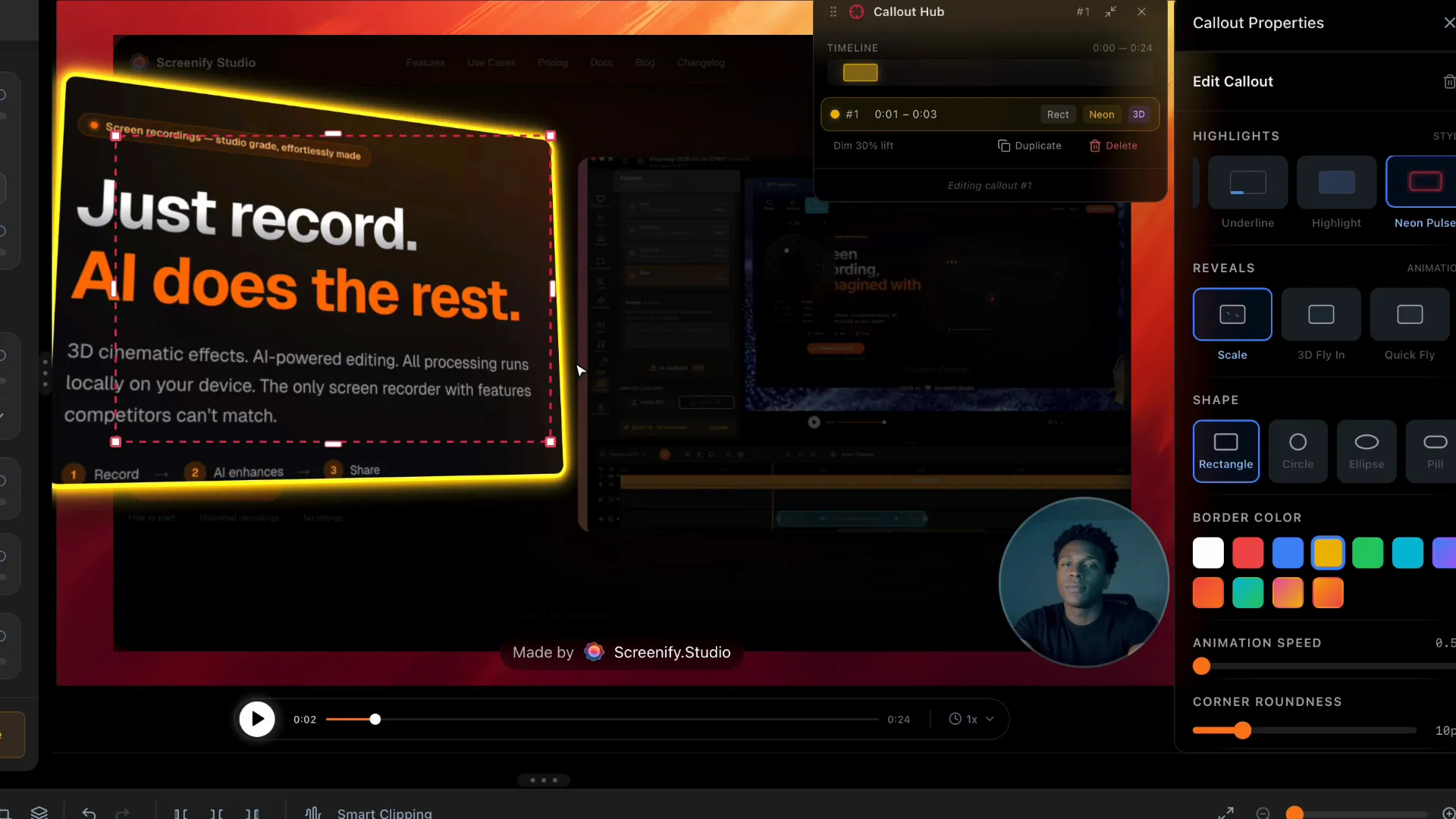
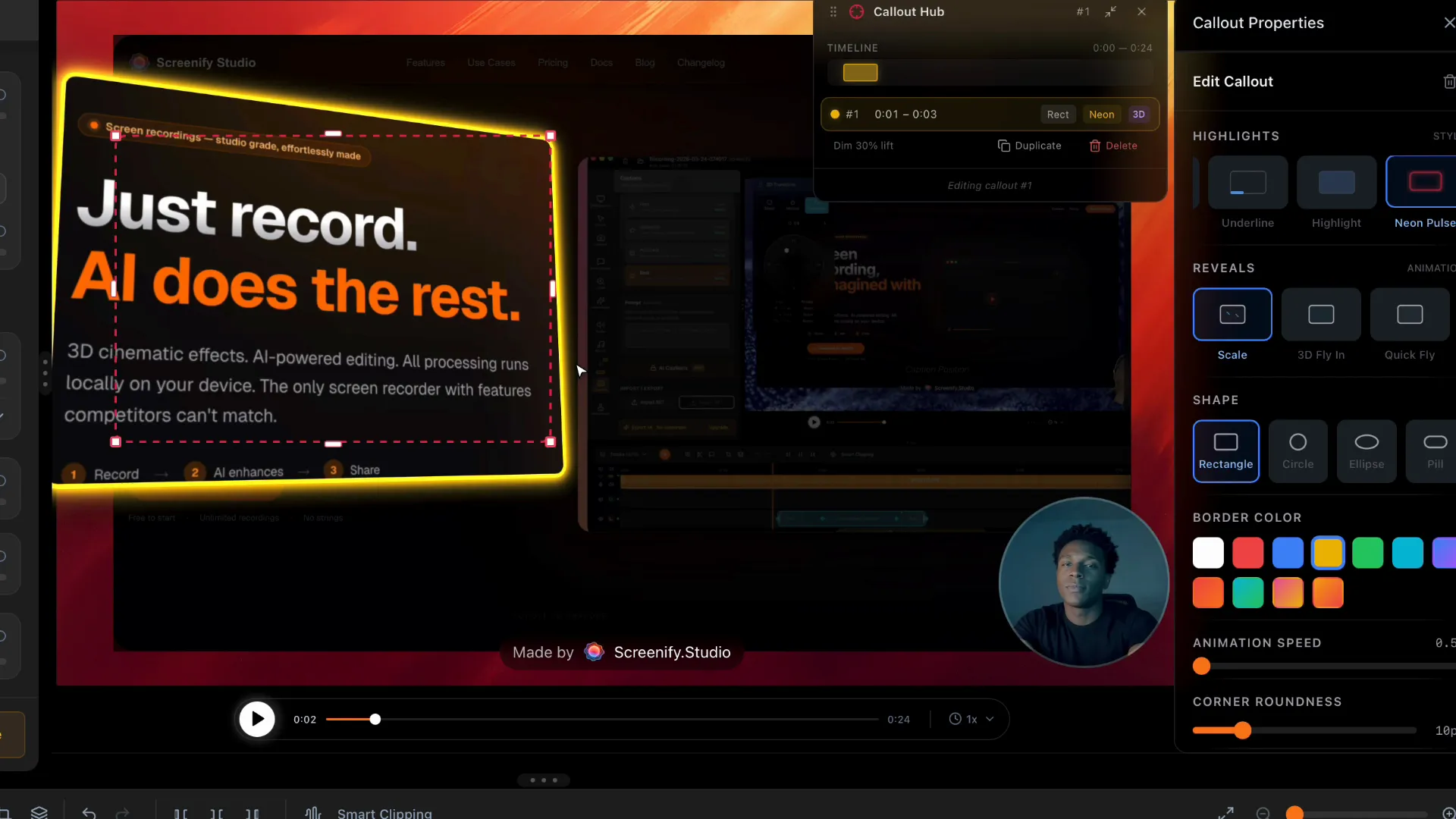
Zoom + dim + border glow + 3D depth combined in one segment. 8 animated highlight styles.

8 highlight styles4-in-1 effects4 shapes
8
Highlight Styles
4-in-1
Effects Combined
4
Shapes
Smart Auto-Zoom

Smart Auto-Zoom

AI detects clicks, typing & mouse dwell to auto-zoom. 24 callout bubble styles.

Auto-detect24 callout stylesCustomizable
24
Callout Styles
3
Trigger Types
Auto
Positioning
AI Background Removal

AI Background Removal

AINeural Engine

Remove camera background instantly. Replace with blur, solid color, or custom image.

Neural Engine5-20ms/frameReal-time
5-20ms/Frame
Speed
3
Replace Modes
0
Cloud Required
AI Captions & Subtitles

AI Captions & Subtitles

AIWhisper

Auto-generate subtitles with word-level karaoke highlighting. Whisper-powered, 98%+ accuracy.

WhisperWord-level syncStyle customization
98%+
Accuracy
Word
Sync Level
Real-time
Preview
6 Camera Layouts

6 Camera Layouts

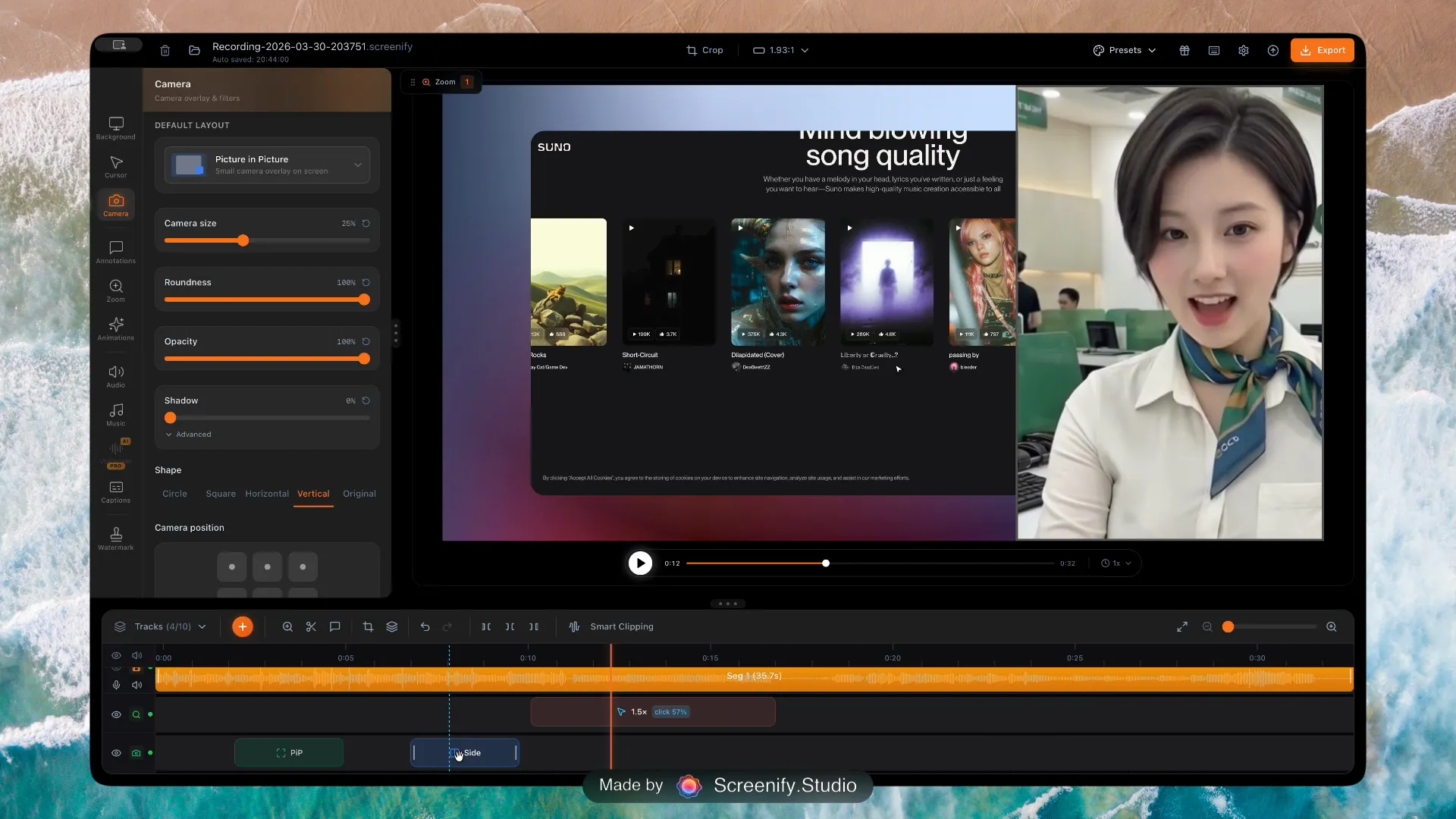
PiP, Side-by-Side, Focused, Screen-Only, Camera-Only, Custom. Morph transitions.

6 layoutsMorph transitionsPer-region easing
6
Layout Types
Morph
Transitions
Per-region
Easing

Experience these features yourself

Everything else from
a real editor.

Not just polish — the workflow tools too. Click any card to expand.

Pro Editor — 10+ Specialized Tracks

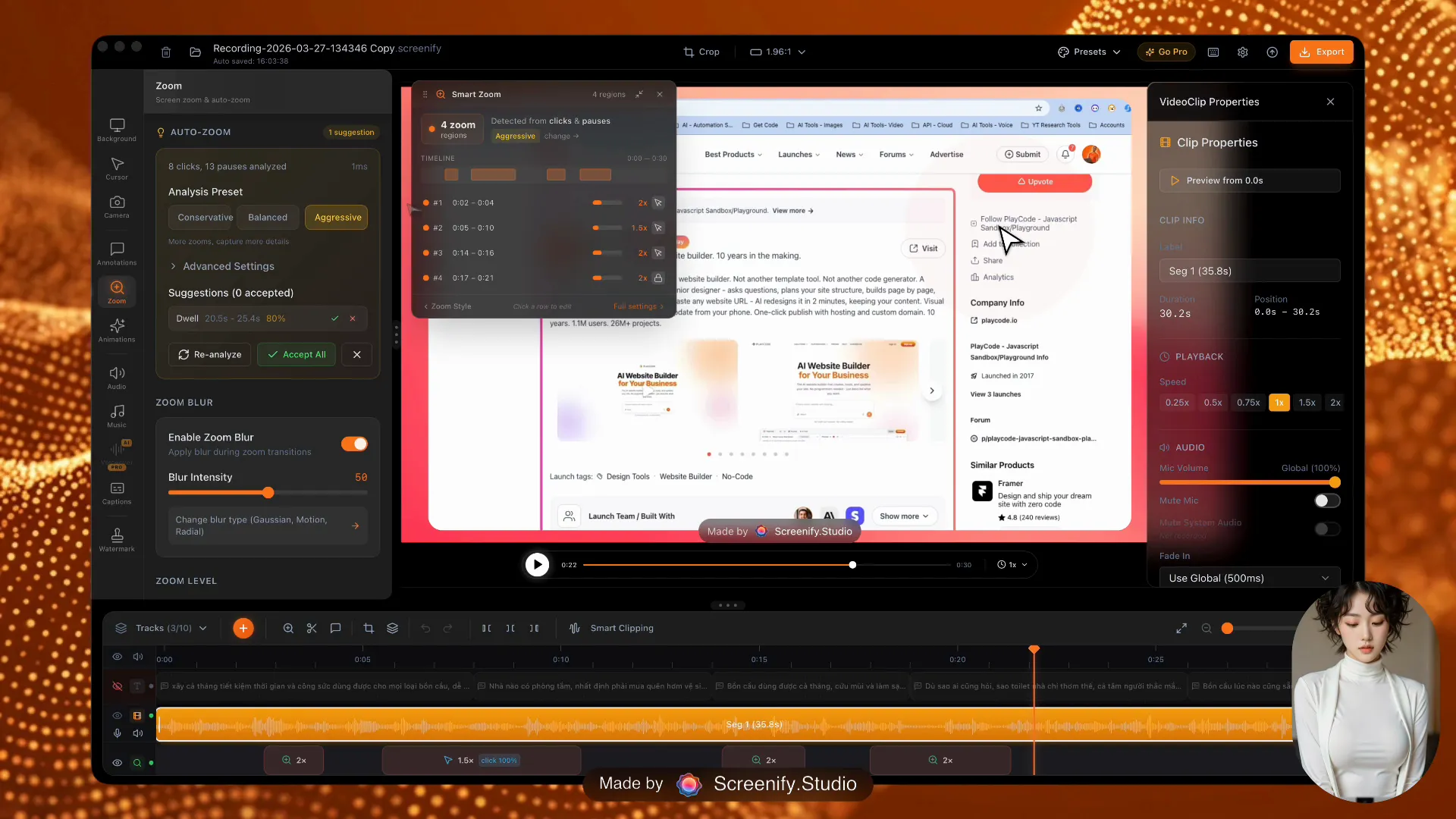
Cuts, trims, multi-track timeline with per-clip properties. NLE-level editing built in.

Callout Effects — Zoom + Dim + Glow + 3D in one click

8 animated highlight styles. Combine zoom, dim, border glow, and 3D depth on any moment without leaving the timeline.

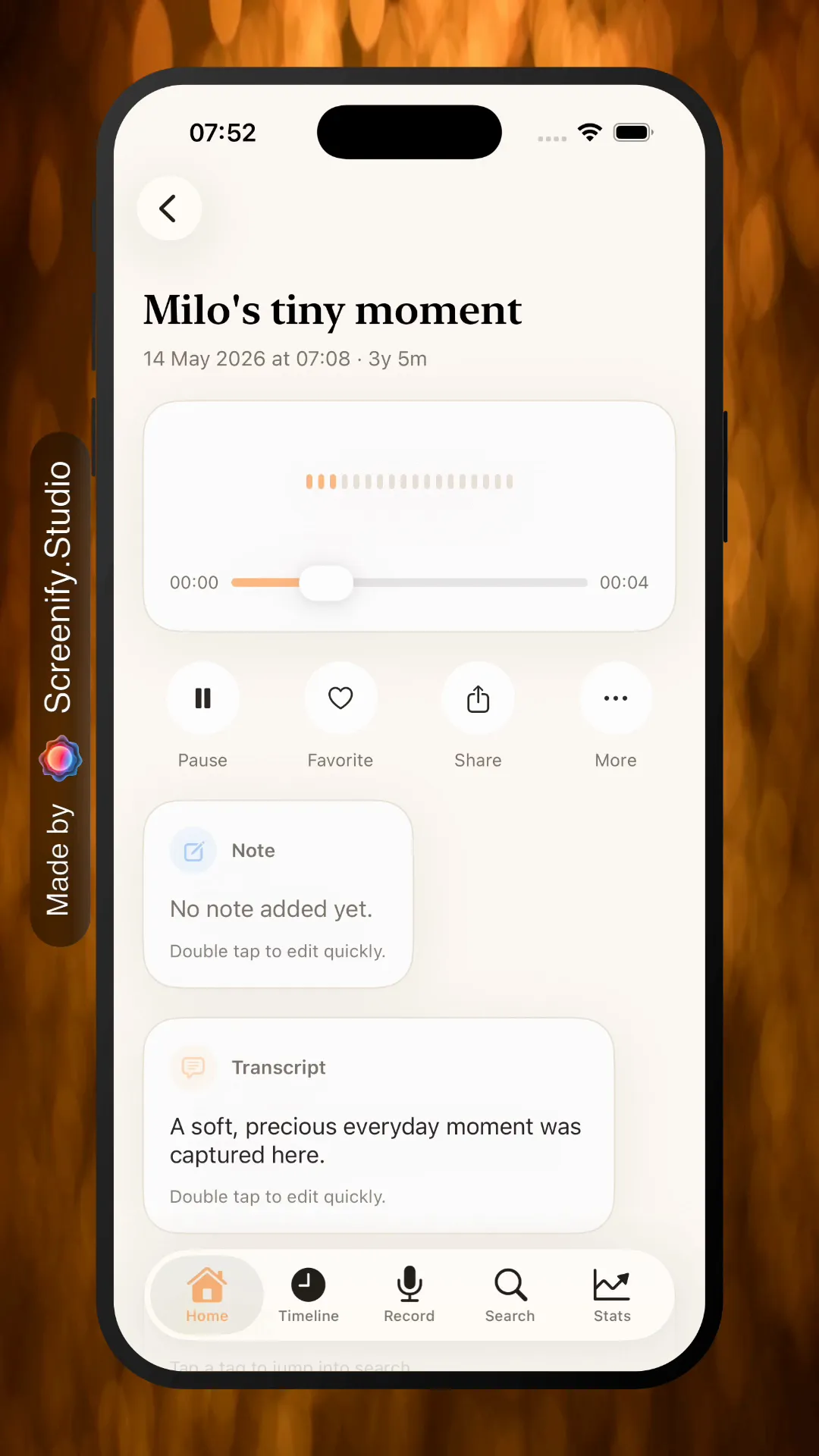
iOS Simulator Recording

Zero-bezel · 17 device frames · Dynamic Island

AI Smart Clipping

Auto-detect silence, dead zones & inactivity. Review AI suggestions and trim in one click.

Instant Sharing

Secure shareable link, embed anywhere, view analytics.

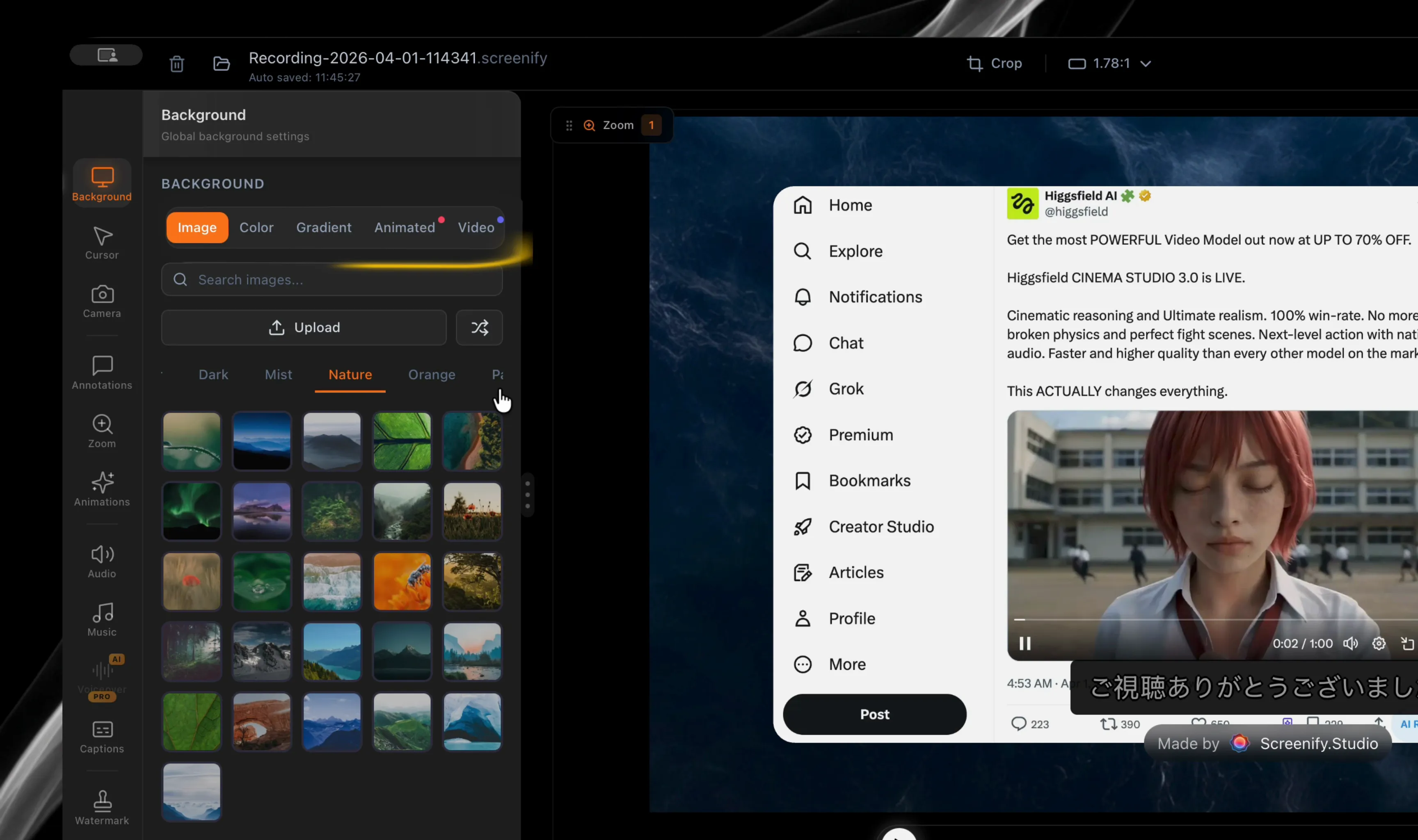
Dynamic Backgrounds

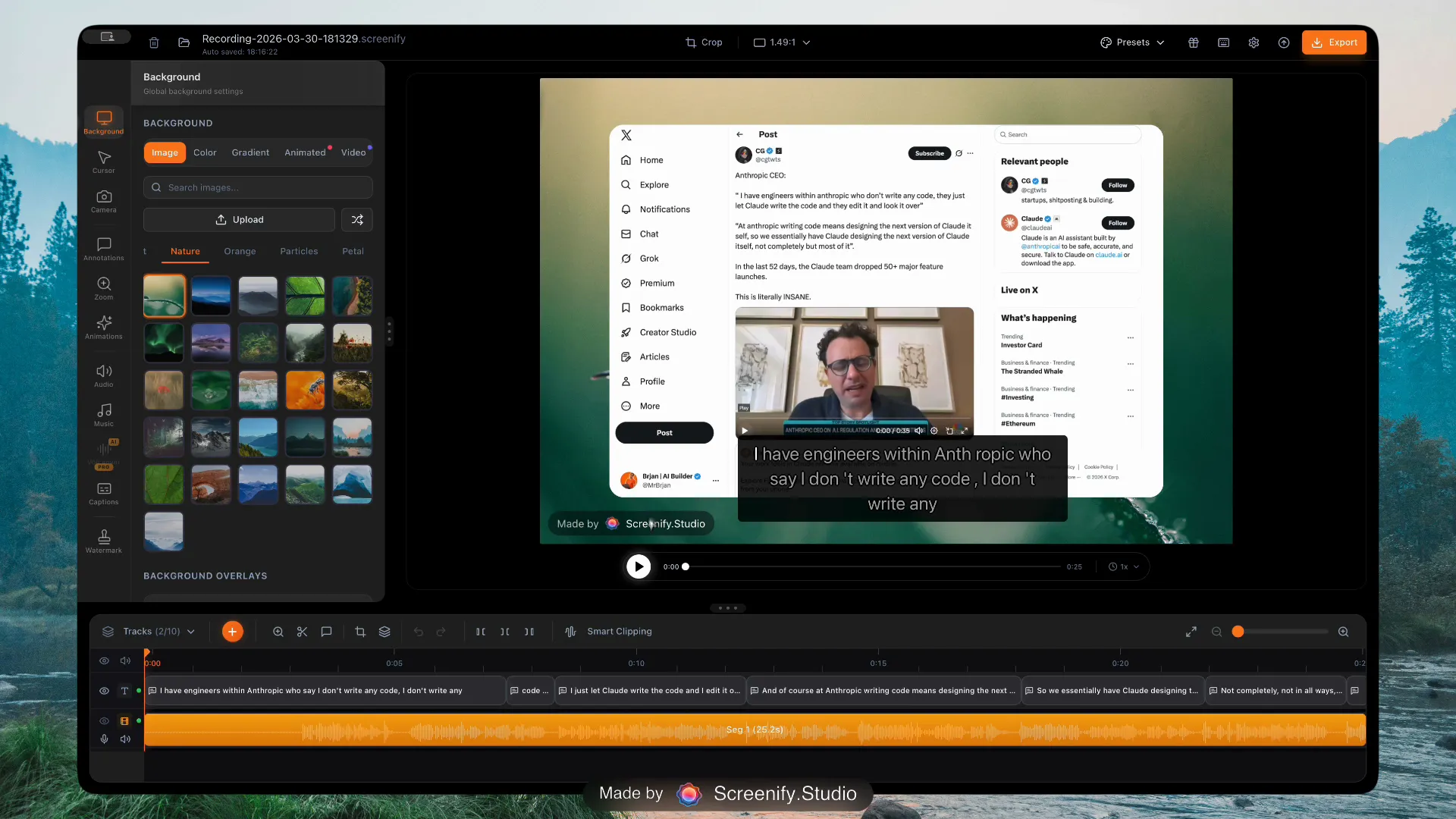
150+ curated wallpapers across 9 categories, video backgrounds, gradients & solid colors — studio-quality backdrops built in.

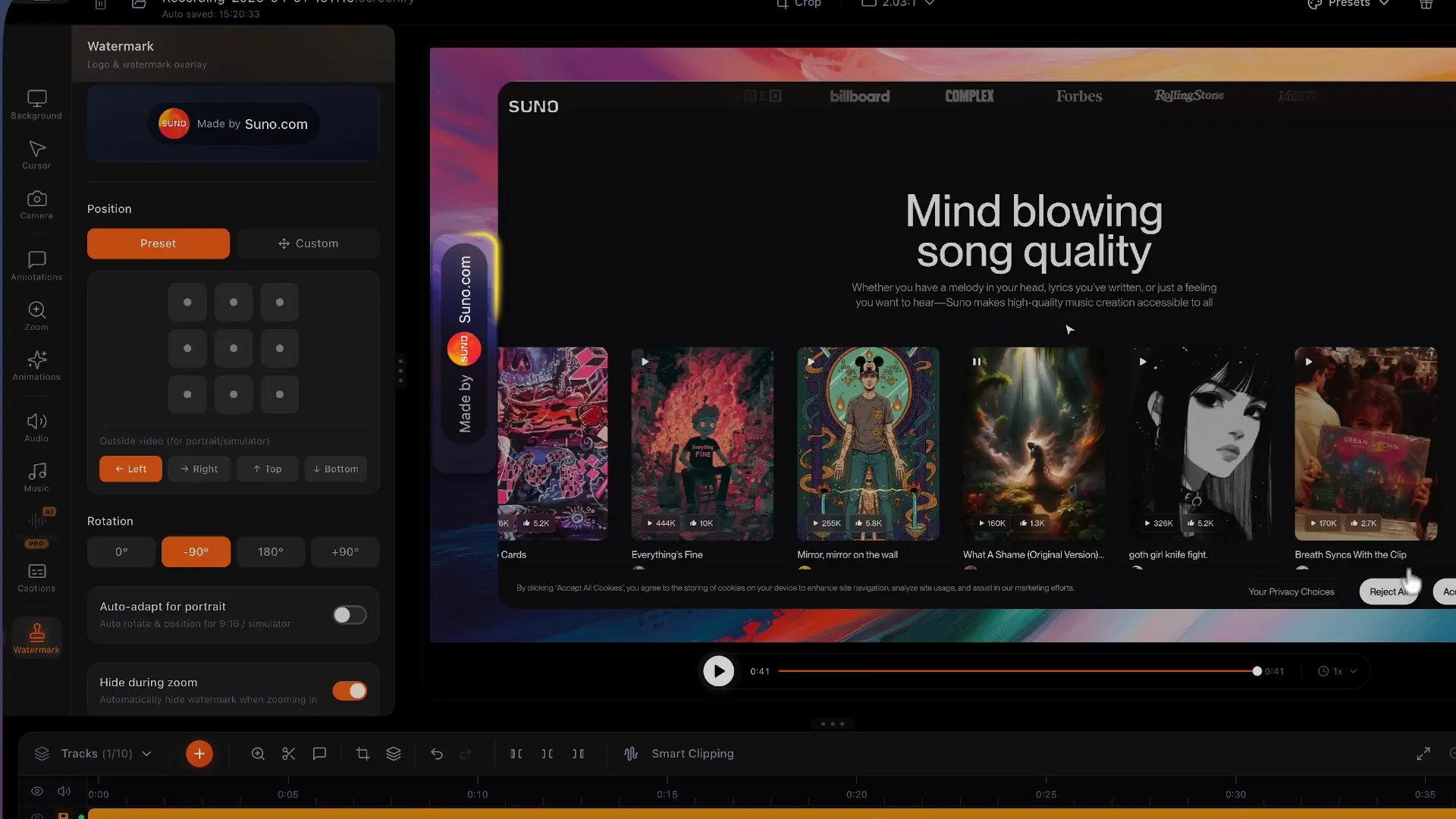
Custom Watermark & Branding

Logo placement, dynamic watermarks, professional branding overlays for team/company use.

Flexible Recording Modes

Full screen, specific window, custom area, iOS Simulator, multi-monitor, and multi-mic recording in one app.

Cursor & Click Effects

Highlight clicks and mouse movements with customizable visual effects.

Keystroke Display

Show keyboard shortcuts on screen. Custom position, styling.

Annotation Tools

Draw, highlight, and annotate directly on your recordings.

AI Translation

1-click translate subtitles to 50+ languages with SRT/VTT export.

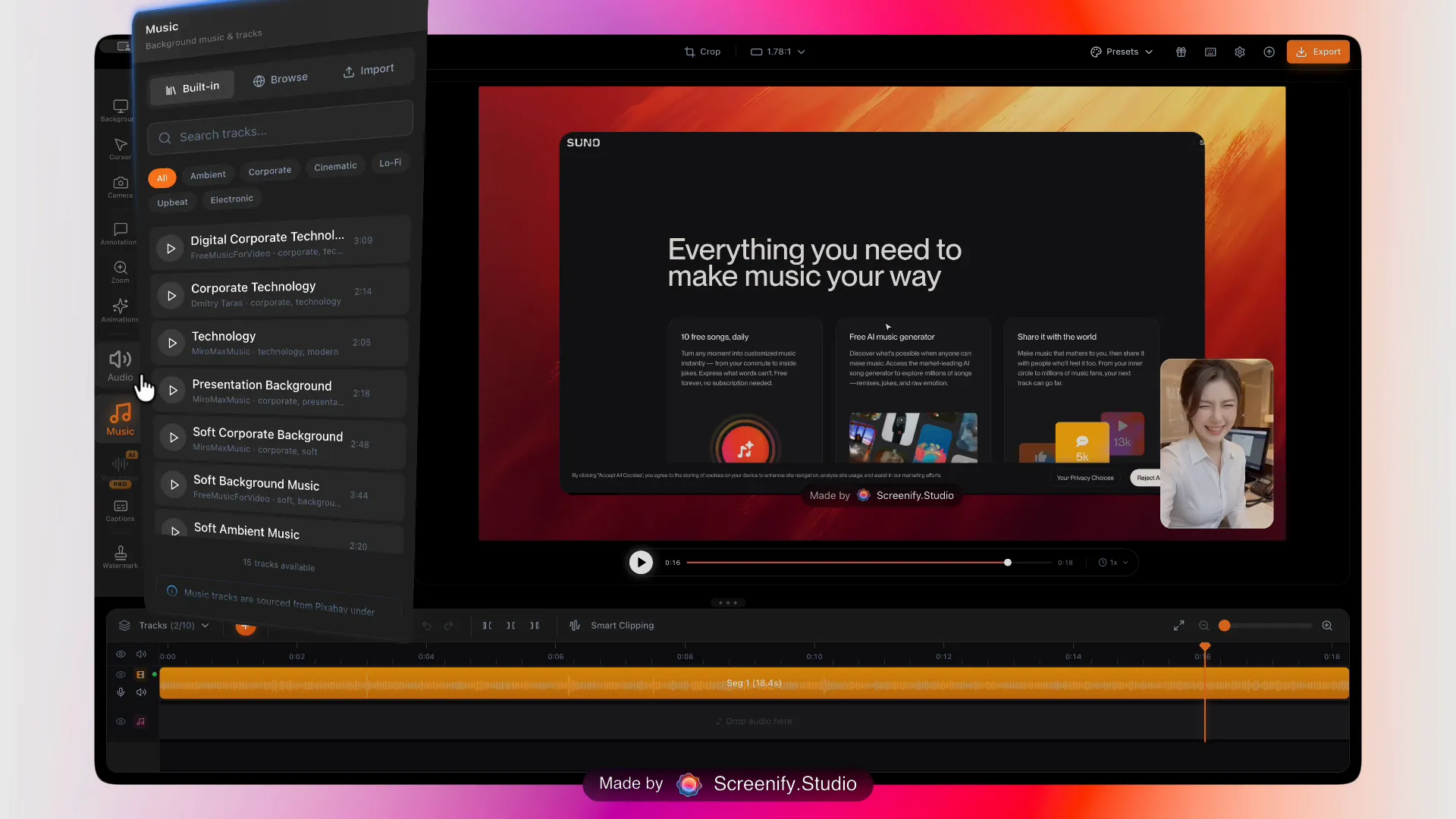
Music & Audio Library

Built-in royalty-free music and sound effects. Adjust volume, fade in/out per clip.

Flexible Recording Modes

Full screen, specific window, custom area, iOS Simulator, multi-monitor, and multi-mic recording in one app.

Cursor & Click Effects

Highlight clicks and mouse movements with customizable visual effects.

Keystroke Display

Show keyboard shortcuts on screen. Custom position, styling.

Annotation Tools

Draw, highlight, and annotate directly on your recordings.

AI Translation

1-click translate subtitles to 50+ languages with SRT/VTT export.

Music & Audio Library

Built-in royalty-free music and sound effects. Adjust volume, fade in/out per clip.

Flexible Recording Modes

Full screen, specific window, custom area, iOS Simulator, multi-monitor, and multi-mic recording in one app.

Cursor & Click Effects

Highlight clicks and mouse movements with customizable visual effects.

Keystroke Display

Show keyboard shortcuts on screen. Custom position, styling.

Annotation Tools

Draw, highlight, and annotate directly on your recordings.

AI Translation

1-click translate subtitles to 50+ languages with SRT/VTT export.

Music & Audio Library

Built-in royalty-free music and sound effects. Adjust volume, fade in/out per clip.

Flexible Recording Modes

Full screen, specific window, custom area, iOS Simulator, multi-monitor, and multi-mic recording in one app.

Cursor & Click Effects

Highlight clicks and mouse movements with customizable visual effects.

Keystroke Display

Show keyboard shortcuts on screen. Custom position, styling.

Annotation Tools

Draw, highlight, and annotate directly on your recordings.

AI Translation

1-click translate subtitles to 50+ languages with SRT/VTT export.

Music & Audio Library

Built-in royalty-free music and sound effects. Adjust volume, fade in/out per clip.

✓ Available Now

Replace your webcam
with anything.

Import any video as your camera feed. Soon: AI Face Swap to transform your on-camera presence.

Import Any Video as Camera

Drag-and-drop MP4 files to replace your webcam. Supports H.264, H.265, ProRes.

AI Face Swap (Coming Soon)

On-device face replacement — preserves expressions and lip movements.

Seamless Integration

Works with 3D perspective, camera layouts, background removal — everything.

H.264/H.265ProResDrag & Drop100% LocalPrivacy-First
Screenify Studio — Editor
Original Camera
Imported Video
intro.mp4
PRO
Original webcam — beforeImported professional video — after
Built-in CameraImported Video
MP4
Drag & Drop
100%
Local Processing
6
Camera Layouts
AI Face Swap — Transform your presence
Natural expressions preserved · On-device processing
Coming Soon

How we stack up
against the rest.

Feature
Screenify StudiomacOS · Free
Screen.StudiomacOS only
TellaMac + Web
AI Features
AI Background Removalon-device
100% Local AIno internet required
Partialcaptions only
AI Captions & Subtitlesword-level karaoke
basic subtitles
cloud-based
AI Caption Translation
50+ langs · on-device
Editing & Effects
3D Cinematic Camera30+ templates & more
30+ templates
Callout Effectszoom, dim, glow & 3D depth
zoom + dim + glow + 3D
Built-in Video Editorcut · trim · multi-track
Custom Watermark & Branding
Partial
Built-in Music LibraryIndustry standard
Dynamic Backgrounds150+ wallpapers
150+ wallpapers · 9 categories
limited selection
Partial
Recording
Multi-Mic Recording
Smart Auto-ZoomIndustry standard
Partial
4K ExportIndustry standard
Platform & Pricing
Free Plan Availableno credit card
trial only
7-day trial only
macOS Native (Apple Silicon optimized)Metal + Neural Engine
native, not Electron
native
PartialWeb wrapper
Lifetime Licenseown forever
$9/mo annual · no lifetime
subscription only

Based on publicly available information, February 2026

Convinced yet?

Try all features free. No credit card required.

Early Access Pricing

Simple, transparent pricing

Professional screen recording. Start free, upgrade when ready.

Free

Full recording suite, with watermark

$0/forever
  • Unlimited recording — no time limit
  • Unlimited local export — 1080p, with watermark
  • 3D effects, callout effects & full editing suite
  • 3 shareable links — 7-day expiry
Most Popular

Pro

Always latest. No decisions.

$89/year≈ $7.42/month

Save 17% vs monthly

Get Started
  • 4K export, no watermark
  • AI Background Removal on-device
  • AI Captions — word-level karaoke
  • AI Translation — 50+ languages
  • Unlimited shareable links
  • 3 devices · Priority support

Always latest while subscribed.

Lifetime only

Pro+

One final decision. Never pay again.

$249/one-time

$299Early Access price

Get Pro+
  • Everything in Pro, plus:
  • Lifetime updates — forever, no renewal
  • 5 devices vs 3 in Pro
  • 100 GB cloud storage

No renewal ever. Updates forever.

30-day money-back guarantee. No questions asked.

Common questions.
Honest answers.

Three real differences: 30+ 3D camera templates (Screen Studio has 2D zoom only), callout effects combining zoom + dim + glow + 3D in one drag, and 100% on-device AI for captions, translation, and background removal — nothing uploaded. Plus a real free tier and lifetime license option.
Yes, free forever for indie hackers. The catch: Free tier exports at 1080p with a small watermark, has 3 shareable links (7-day expiry), and excludes AI features. Unlimited recording, full editor, and 3D effects are all included on Free. Pro removes watermark, adds 4K and AI features.
Currently macOS only (Apple Silicon + macOS 13+). This is intentional — we leverage Metal GPU + Apple Neural Engine + Core ML for native performance. Windows and Linux are on the roadmap. Join the waitlist on the download page.
Pro tier includes: AI Background Removal (Neural Engine accelerated), AI Captions (Whisper with word-level highlighting), and AI Translation (50+ languages). Pro+ exclusive: AI Voice Dubbing and AI Avatar (coming soon).
Nothing leaves your Mac unless you choose to share. Captions use Whisper local. Translation, background removal, smart clipping — all run on Apple Neural Engine. Your recordings stay on your device. Works fully offline. Cloud storage is opt-in for sharing only (Pro features).
You can continue using your current version forever. Renew only if you want new features. Pro Lifetime includes 1 year of updates, then $39/yr optional renewal.
Yes! Pay a fixed upgrade fee of $100 (regardless of when you purchased) and get lifetime updates forever.
Yes, 30-day money-back guarantee for all purchases. No questions asked.
Solo founder named Brjan, working out of HCMC, Vietnam. I built features for months that users barely noticed — because my demos kept hiding them behind flat recordings. So I built the tool I needed. Talk to me on X →

⟶ END

Screenify Studio app icon

Your next demo deserves better.

Stop spending weekends in iMovie. Free for builders. Pay when you love it.

Apple Silicon · macOS 13+ · 80 MB

No credit card requiredFree forever plan30-day refund